Why Your Cell Phone Works Outside but Not Inside—and How to Fix It
If you’ve ever wondered why your phone works perfectly outside a building but struggles the moment you step indoors, you’re not alone.
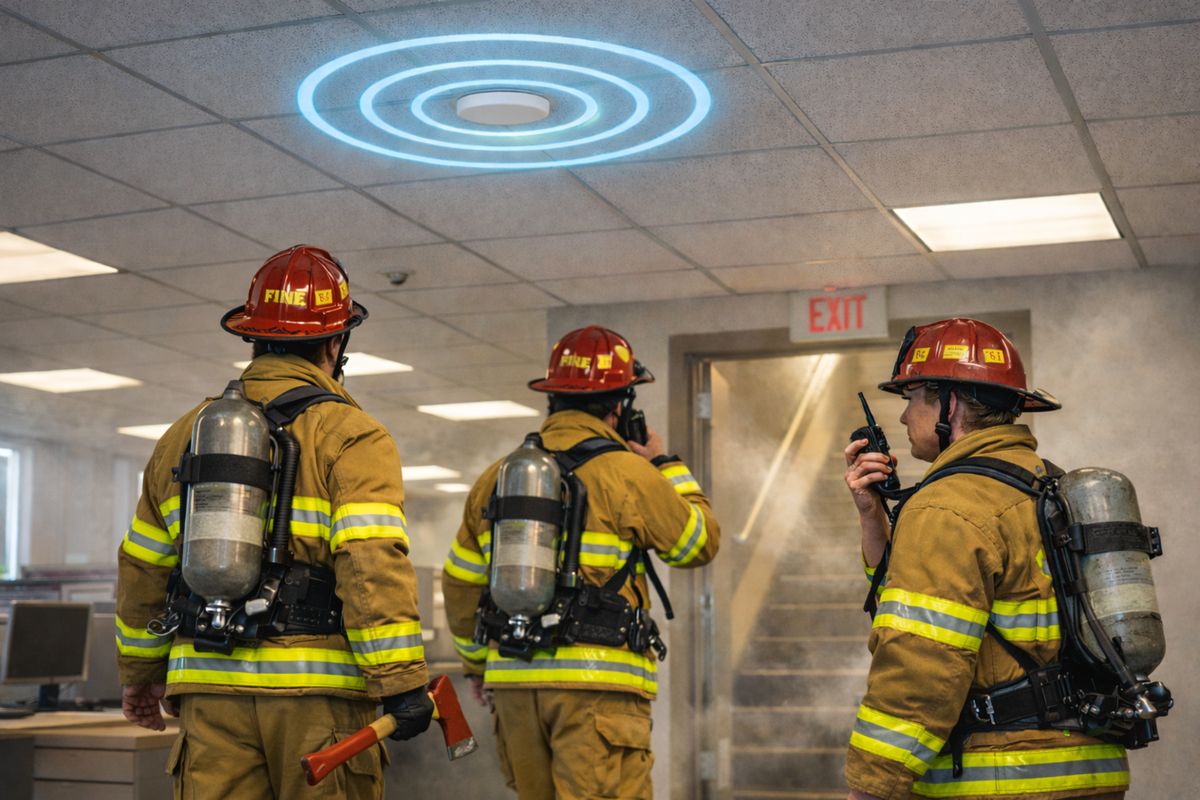
Today, 80–90% of cellular calls originate indoors, and 80% of emergency calls come from mobile devices, yet indoor cellular coverage remains one of the most common—and misunderstood—connectivity challenges. As buildings become more energy-efficient and networks evolve toward faster 5G technologies, indoor coverage issues are becoming more frequent, not less.
The good news? If there’s usable cellular signal outside your building, it can be brought inside and amplified. Understanding why indoor coverage fails is the first step toward fixing it.
Why Indoor Cellular Coverage Is So Challenging
Cellular signals start strong at the tower, but by the time they reach your building, they’ve already been weakened by distance and obstacles. Once inside, several factors can further degrade performance:
- Signal strength outside the building – Distance from the nearest cell tower matters.
- Environmental obstructions – Terrain, weather, trees, and nearby structures can block or distort signals.
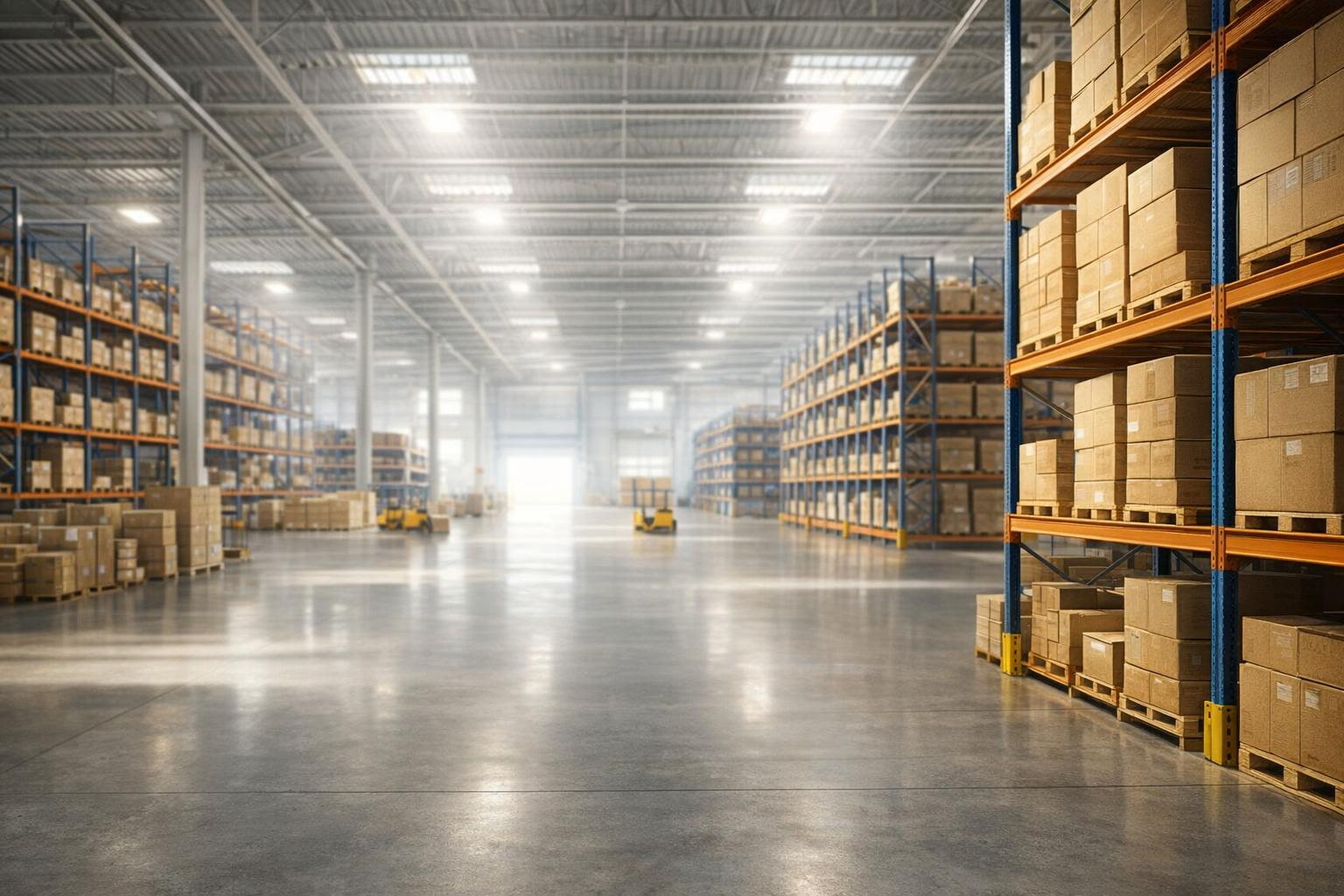
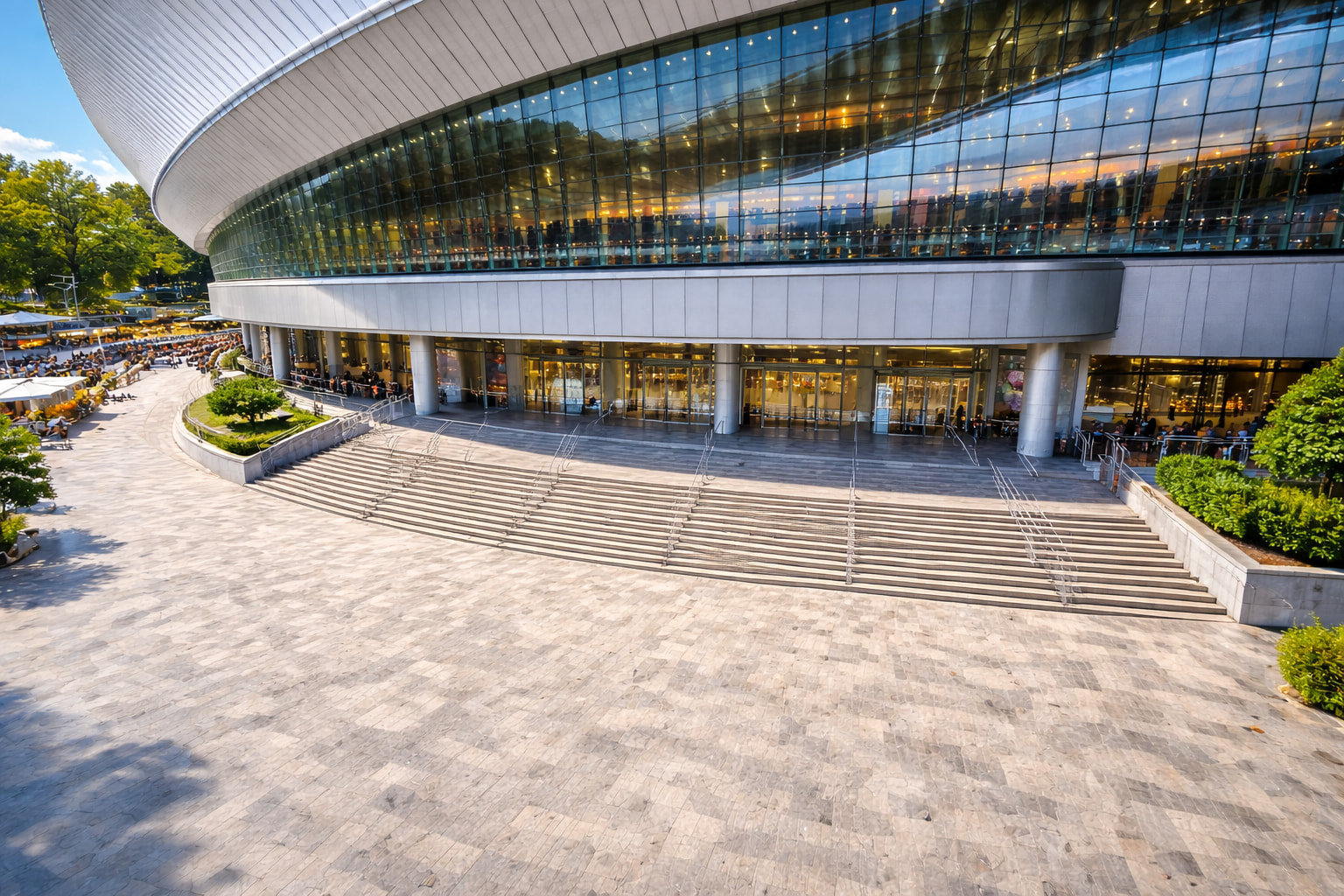
- Building materials – Concrete, steel, low-E glass, insulation, and modern construction materials are highly effective at blocking radio waves.
Faster 5G signals compound the issue. While they deliver higher speeds and lower latency, their shorter wavelengths make them even less capable of penetrating buildings—an issue that will only increase as networks continue to evolve
Why You Should Address Coverage Issues Now
Indoor cellular problems don’t resolve themselves, and waiting can have real consequences:
- Continuous connectivity is critical for safety, communication, and operational efficiency.
- 5G penetration limits mean newer networks require intentional indoor solutions.
- Signal-blocking materials are now standard in modern construction.
- Changing network environments—such as carrier upgrades or new nearby buildings—can degrade existing coverage without warning.
- Persistent problems require action, not workarounds like public Wi-Fi, which only a small percentage of users are willing to rely on in critical moments.
Five Steps to Fixing Indoor Cellular Coverage
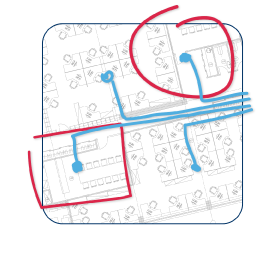
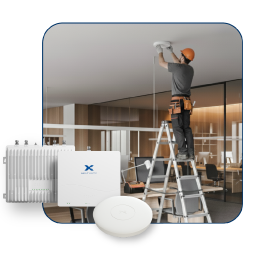
Here are the steps for delivering strong cellular coverage inside your building(s). This process is managed by your system integrator or installer, working with the IT team and/or facility manager. For very large sites or new construction, the site engineer or architect will also be involved.